The Perimeter is Gone: Password Best Practices for Remote SME Teams
Secure BusinessHub Intelligence
Feb 17, 2026
1. The Myth of the Complex Password
For years, users were told to create complex passwords with special characters and numbers (e.g.,
P@ssw0rd!). Not only are these difficult to remember, but they are also easily
cracked
by modern brute-force algorithms. Instead, Secure BusinessHub advocates for
passphrases.
A passphrase is a sequence of random words (e.g., correct-horse-battery-staple).
They
are significantly longer, making them mathematically harder to crack, yet much easier for remote
employees to memorize and type. Length, in the world of password security, always beats
complexity.
The End of Forced Password Rotation
One of the most significant shifts in cybersecurity SME best practices over the
last
few years is the move away from forced periodic password changes (e.g., every 90 days). Modern
research
shows that when users are forced to change passwords frequently, they tend to choose predictable
patterns
(like Password01 to Password02). Secure BusinessHub follows the NIST
(National
Institute of Standards and Technology) guidelines: only change a password if there is evidence
of
compromise.
2. Centralized Credential Management
In a remote team, employees access dozens of SaaS tools, from Slack to QuickBooks. Expecting team members to remember unique, strong passwords for every service is a recipe for "password reuse"—the single biggest vulnerability for SMEs. If one service is breached, every other account is at risk.
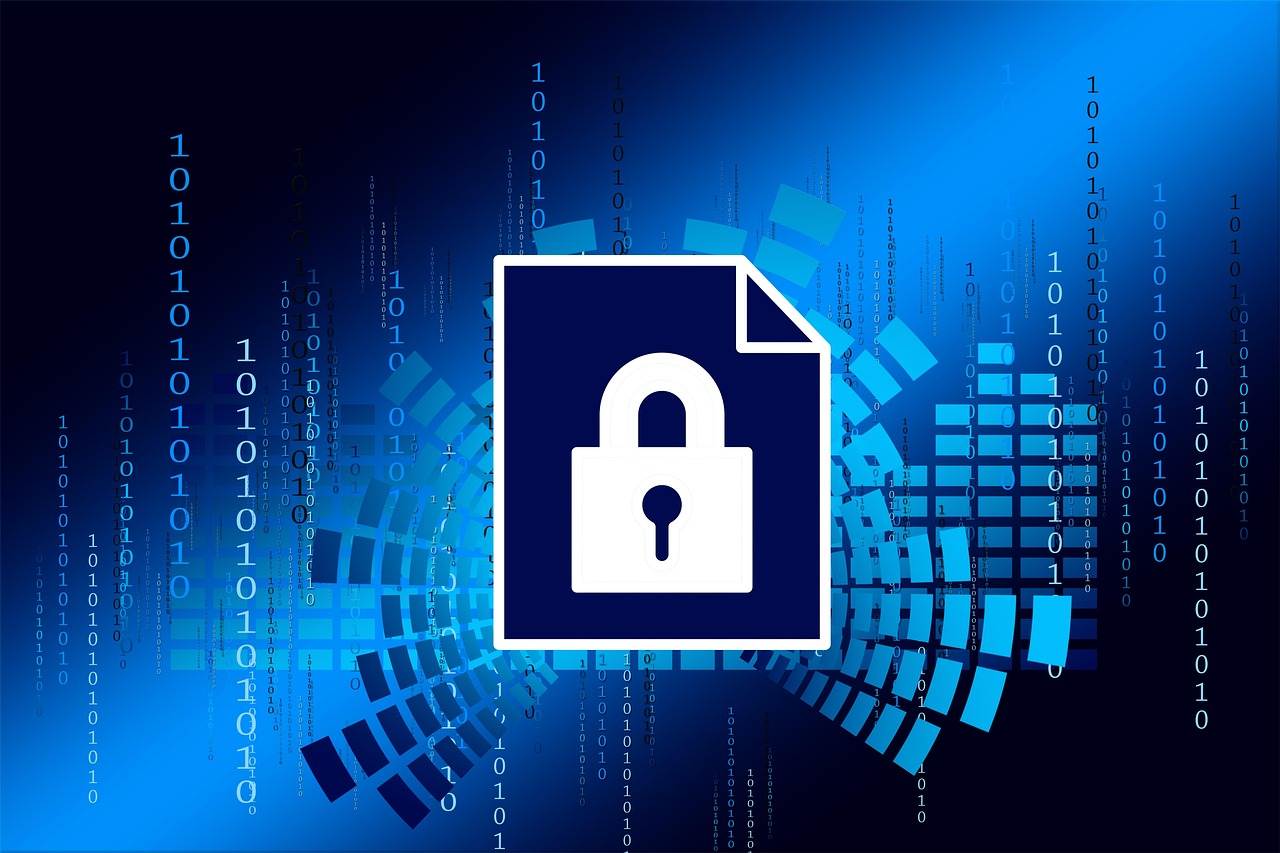
Successful cybersecurity SMEs mandate the use of centralized password managers like Bitwarden or 1Password. These tools allow teams to share credentials securely, generate uncrackable passwords, and audit account security without exposing raw passwords to staff.
3. Multi-Factor Authentication (MFA) is Non-Negotiable
A password alone, no matter how strong, is no longer enough. For remote teams, Multi-Factor Authentication (MFA) must be enforced across all corporate accounts. However, not all MFA is created equal.
SMS vs. Authenticator Apps
SMS-based MFA is vulnerable to SIM-swapping attacks. At Secure BusinessHub, we recommend using TOTP (Time-based One-Time Password) apps like Google Authenticator or Microsoft Authenticator. These apps generate a code locally on the device, meaning an attacker cannot intercept it over the cellular network.
4. Hardware Security Keys: The FIDO2 Standard
For high-privilege accounts—such as those belonging to IT administrators, finance executives, or anyone with "owner" access to primary SaaS platforms—standard MFA may still be vulnerable to advanced adversary-in-the-middle (AitM) phishing attacks. This is where FIDO2 Hardware Keys come in.
Tools like YubiKey or Google Titan are physical USB or NFC devices that require a physical touch to provide a cryptographic signature. They are currently the only form of MFA that is completely immune to phishing, as the key will only communicate with the specific domain it was registered to. For a cybersecurity SME looking to move toward a truly mature security posture, hardware keys are the gold standard.
5. Zero-Trust and Session Management
Password security is also about where and how those passwords are used. In a remote environment, implement a Zero-Trust approach: never trust, always verify. This means requiring MFA for every new session and setting realistic session timeouts. If an employee's laptop is stolen at a coffee shop, a session that never expires is an open door for an attacker.
5. Employee Training: The Human Firewall
Technology is only half the battle. Your team needs to understand why these protocols exist. Regular training sessions on spotting phishing attempts (which often aim to steal passwords) are essential. Encourage a culture where employees feel comfortable reporting a lost device or a suspected credential leak without fear of punishment.